How Do You Stop Two Sequences From Emailing the Same Prospect?
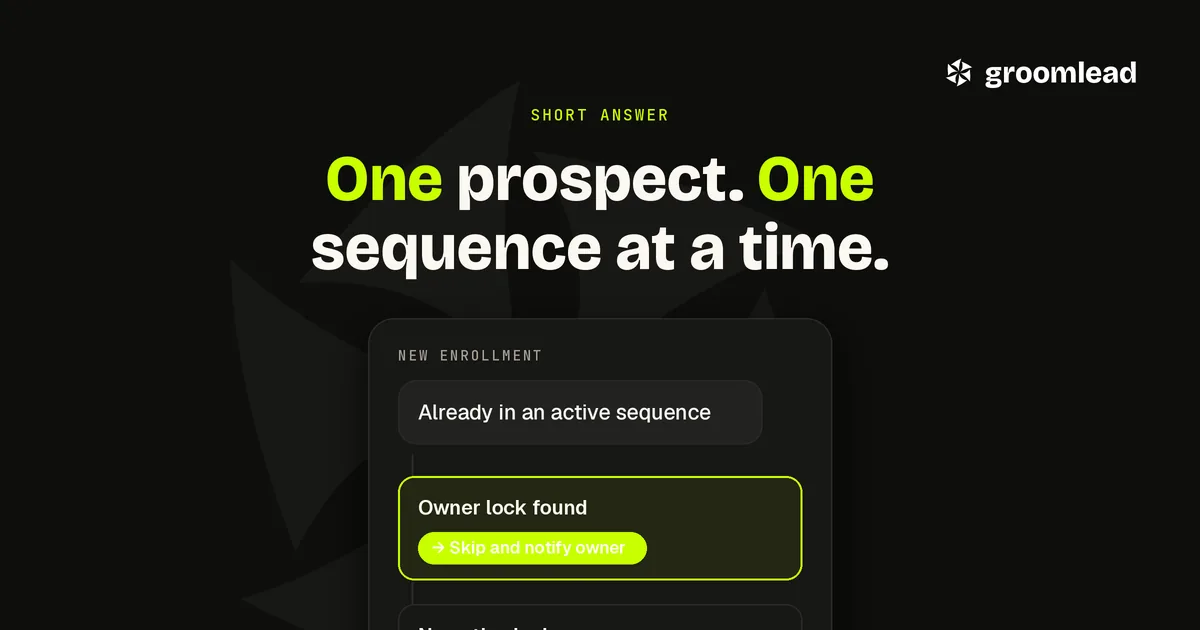
Duplicate outreach is when the same prospect receives messages from two sequences, two reps or two tools at the same time. You stop it with a check that runs before every enrollment: is this person, or their account, already owned or already in an active sequence? If yes, the new enrollment is skipped and the owner is notified. The check only works if every sending tool reads the same source of truth, which is why this is a systems problem rather than a discipline problem.
Why it happens
Duplicate outreach rarely comes from carelessness. It comes from tools that cannot see each other. A rep imports a list into one sequencer, a marketing team runs a nurture in another, a LinkedIn tool works a third list, and an agency or partner runs a fourth. Each tool checks only its own records. The prospect, who sees all four, concludes you are disorganized.
The options compared
| Method | What it checks | Strength | Weakness |
|---|---|---|---|
| Manual list scrub | Exported lists against each other | Easy to start | Breaks the first time someone forgets |
| CRM owner check | Whether the contact or account has an owner | Uses data sellers already maintain | Misses prospects not yet in the CRM |
| Shared exclusion list | Every sending tool reads one list before sending | Covers every channel and tool | Needs an automated feed to stay current |
| Enrollment lock field | A field set when a prospect enters any sequence, cleared when it ends | Catches overlap in real time | Every tool has to write and respect it |
| Account-level lock | Whether anyone at the account is in active outreach | Prevents a whole buying committee being hit at once | Needs rules for deliberate multithreading |
Most teams end up combining three: the CRM owner check, a shared exclusion list, and an enrollment lock.
How to set it up
Pick one source of truth. Usually the CRM, or a shared table the CRM feeds. Every sending tool, including email, LinkedIn and calendar outreach, reads it before enrolling anyone. Our outbound CRM sync playbook covers how to keep that source accurate.
Match on stable identifiers. Email first, then a profile URL, then name plus company domain. Matching on names alone lets duplicates slip through.
Set and clear the lock automatically. When a prospect enters a sequence, the lock is set with the sequence and owner. When the sequence ends, or the prospect replies, the lock is cleared or handed to the owner of the conversation.
Decide the account rule. Reaching several people at one account can be deliberate. Our buying committee multithreading guide covers how to do it on purpose, with different angles and staggered timing, rather than by accident.
Route every reply to one inbox. When replies from every sending account land in one place, overlaps show up quickly. We use Underfive.ai, a unified inbox with AI inbox agents that label replies and draft responses.
Frequently asked questions
Is this only a problem for large teams? No. A founder running one sequencer and a partner running another can collide just as easily. The fix is the same.
Should the check block enrollment or just warn? Block by default, with a way for the owner to approve an exception. Warnings get clicked through.
What about prospects who changed jobs? Treat them as new contacts at the new company, but carry over their opt-out status if they asked not to be contacted. Our job change triggers playbook covers the rest.
Does this replace a suppression list? No. Suppression is permanent for people who opted out. The lock is temporary and only prevents overlap.
The bottom line
Duplicate outreach is a symptom of tools that do not share data. Put one source of truth behind every enrollment, check owner and lock before anyone is added, and the problem stops being something reps have to remember. If you want that engineered into your outbound system, talk to GroomLead.
Ready to engineer your own GTM system?
GroomLead engineers outbound systems for B2B teams, and builds the tools inside this post.
Book Strategy Call